Convert a screenshot of a table to Excel
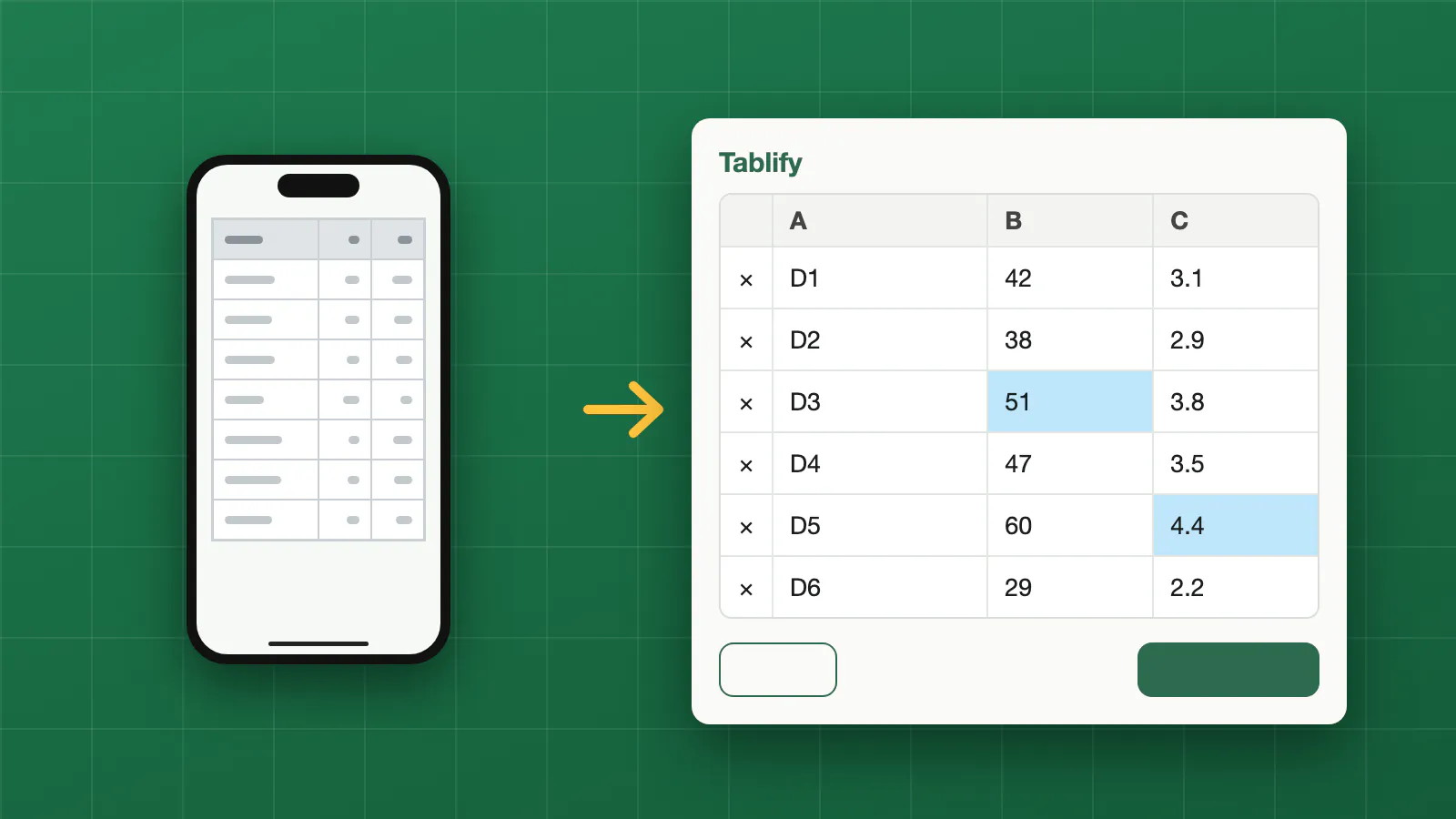
Some tables cannot be copied: a report in an app, a page in a PDF viewer, a table in a chat or a web page that blocks selecting. A screenshot is often all you have. Tablify reads the rows and columns in the screenshot and gives you a spreadsheet you can edit in Excel, Numbers or Google Sheets.
It accepts JPG, PNG and WebP images, so a screenshot from a phone or a computer works as it is.
How it works
- Upload the screenshot. Crop it to the table first if you can: a sharp image with the whole table in view gives the best result.
- Check the table. Cells the reader was not sure about are highlighted. Click any cell to correct it, or add and delete rows.
- Download the result as .xlsx or .csv.
Your file is not stored. It is read in memory to extract the table and is not kept on our side. The image is sent to an AI model only to read the table. You do not need an account.
Numbers are written as numbers, so you can sort and total them straight away. If part of the table is cut off at the edge of the screenshot, take a second screenshot and convert it too.
FAQ
Does it work on a screenshot from my phone?
Yes. Phone and computer screenshots are ordinary images, and Tablify reads them the same way.
Can I convert a screenshot that has more than a table in it?
Yes. Tablify looks for the main table in the picture. Cropping to the table first helps.
Can I fix mistakes before I download?
Yes. You see an editable preview first, with uncertain cells highlighted.