Convert a receipt photo or scan to Excel
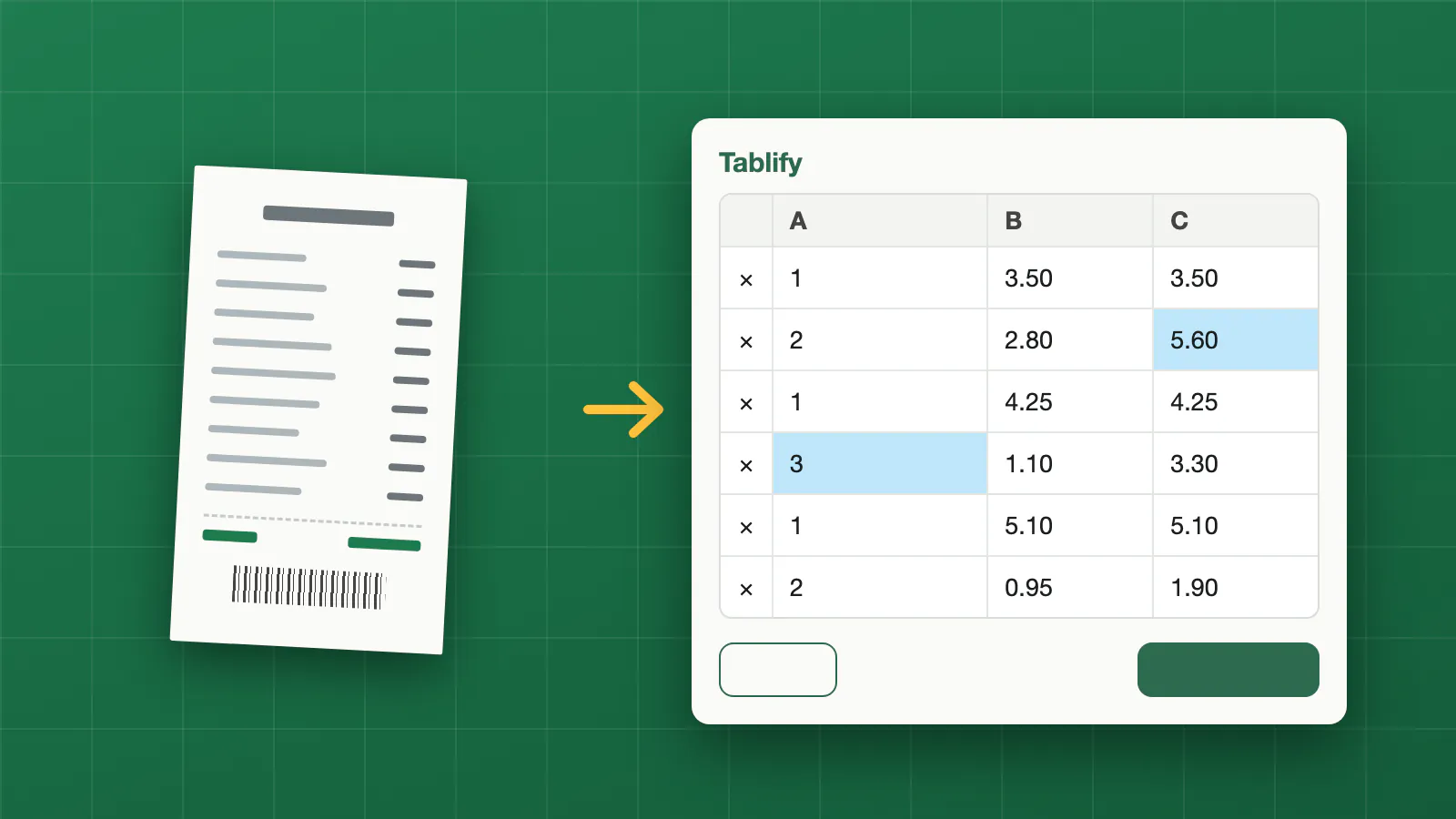
Receipts pile up: shop receipts for expenses, till slips, supplier receipts. Typing the items into a spreadsheet is slow. Tablify reads the item lines on a receipt, with names, quantities and amounts, and gives you a spreadsheet with one row per line that you can edit in Excel, Numbers or Google Sheets.
Take a photo with your phone or use a scan or a PDF. The web version runs in the browser, so there is nothing to install.
How it works
- Upload the photo or scan of the receipt. A flat receipt in good light, with the whole slip in view, gives the best result.
- Check the table. Cells the reader was not sure about are highlighted. Click any cell to correct it, or add and delete rows.
- Download the result as .xlsx or .csv.
Your file is not stored. It is read in memory to extract the table and is not kept on our side. The image is sent to an AI model only to read the table. You do not need an account.
Receipts are often creased or printed faintly. A quick look at the preview before you download is worth it, especially for amounts.
FAQ
Can I convert a photo of a receipt from my phone?
Yes. Upload the photo as it is. JPG, PNG and WebP images are accepted, and PDFs too.
Does it read each item on the receipt?
It reads the table of item lines it can see: names, quantities and amounts. Check the highlighted cells, and add or delete rows to match.
Can I use it for expense reports?
You get a spreadsheet you can sort, total and import into your own sheet, as .xlsx or .csv.