Convert a scanned PDF to Excel
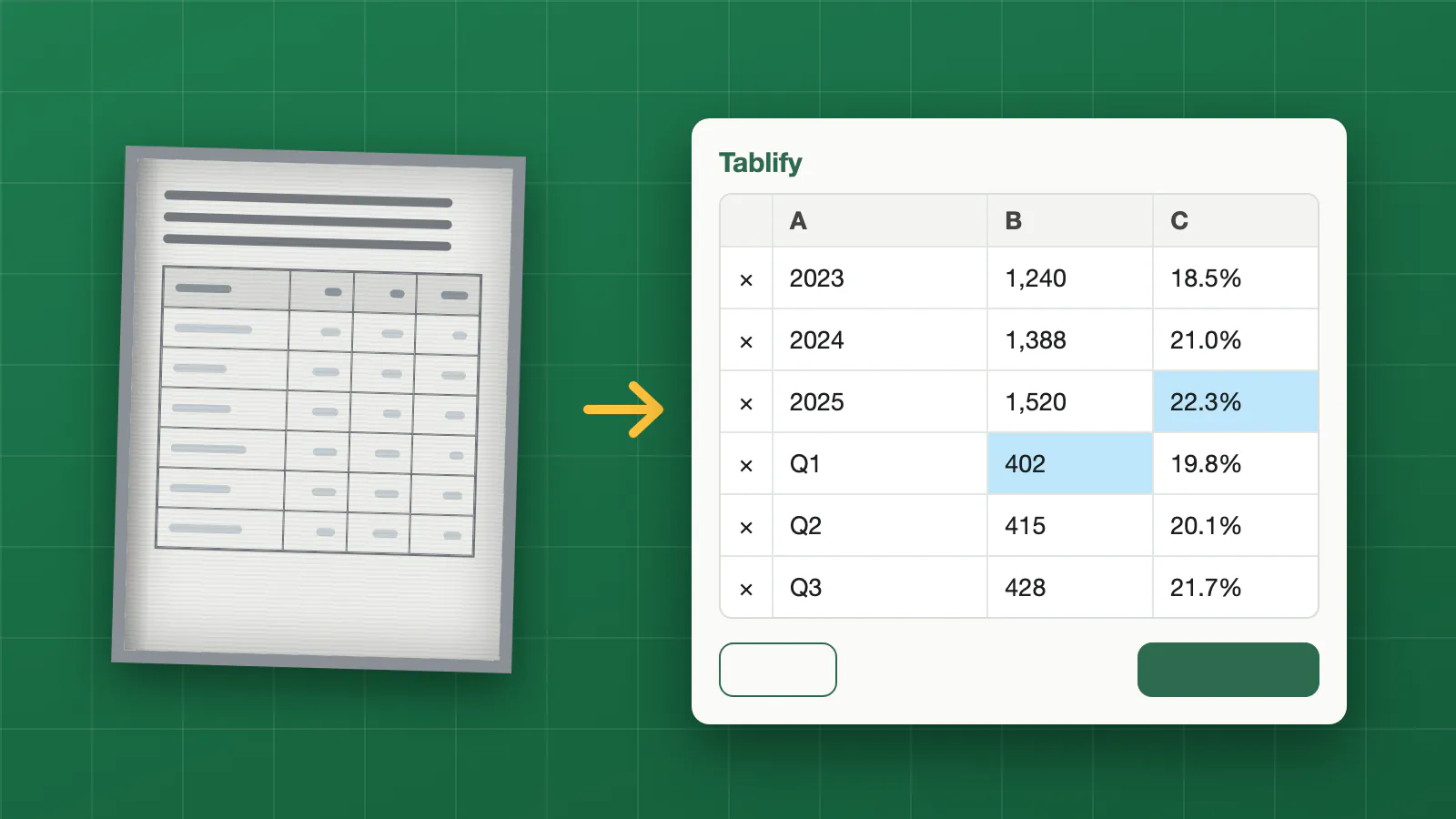
A scanned PDF is only a picture of a page, so you cannot select its text or copy its table. Tablify reads that picture with OCR and AI, finds the table and gives you a spreadsheet you can edit in Excel, Numbers or Google Sheets.
It works on a flatbed scan, a scanner app, a phone photo saved as PDF, and on PDFs exported from software too.
How it works
- Upload the scanned PDF. Pages are read one after another and joined into a single table.
- Check the table. Cells the reader was not sure about are highlighted. Click any cell to correct it, or add and delete rows.
- Download the result as .xlsx or .csv.
Your file is not stored. It is read in memory to extract the table and is not kept on our side. The page is sent to an AI model only to read the table. You do not need an account.
A straight, sharp scan gives the best result. Skewed pages, small print or a stamp over the table are worth a quick look in the preview before you download.
FAQ
Do I need to run OCR first?
No. Tablify reads the page image itself, so you can upload the scan as it is.
Does it keep the columns of the original?
It reads the rows and columns it sees and shows them in an editable preview. Check the highlighted cells and fix any that are off.
Can I convert several scanned pages at once?
Yes. The pages are joined into one table, and a header row that repeats on every page is kept once.